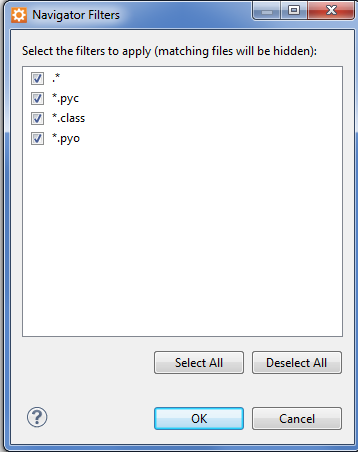
Hide .svn folders in the Aptana Navigator akbarsahmed no comments February 7, 2012 Click the small down arrow in the top right corner of Navigator, click Filters. Check *., then click OK. Share this:TweetMore Email a link to a friend (Opens in new window) Email Share on Reddit (Opens in new window) Reddit Like Loading... Related

 AkbarAhmed.com