Introduction
Open Kettle
cd ~/bin/data-integration
To run Spoon:
./spoon.sh
Create a new repository
Run the following in a terminal.
mkdir ~/kettle
The steps below are performed within the PDI UI.
- In the Repository Connection dialog box, click the small green plus symbol.
- In the Select the repository type dialog box, select Kettle file repository.
- Click OK
- In the File repository settings dialog box, enter the following information:
- Base directory: /home/akbar/kettle
- Read-only repository?: Leave unchecked
- Hide hidden folders and files: Leave unchecked
- ID: kettle-repo
- Name: Kettle Repository
- Click OK.
- Click OK.
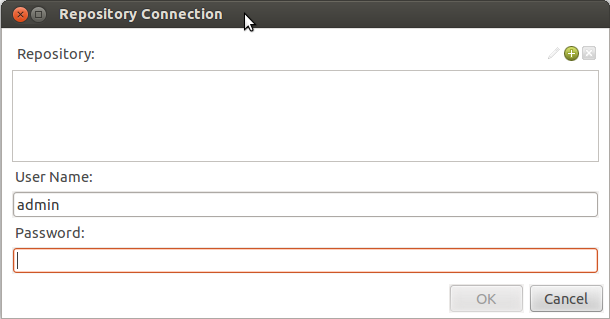
Repository Connection
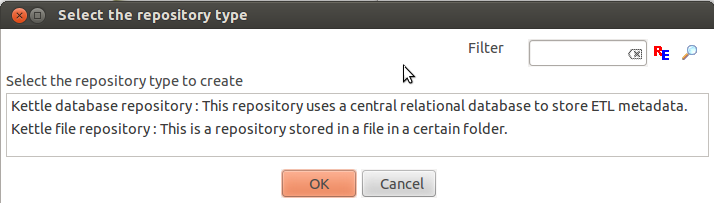
Repository Type

 AkbarAhmed.com